

Agile Scrum Template
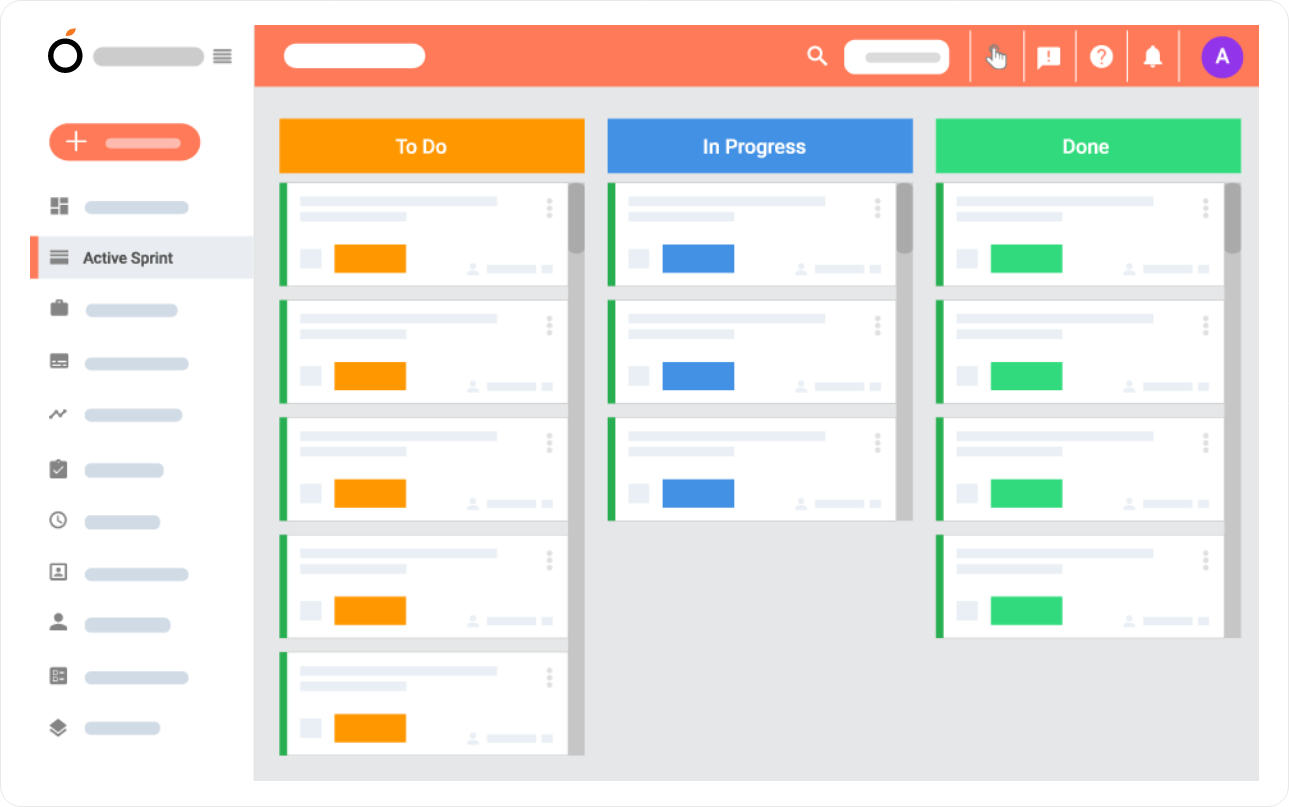
Agile teams deliver quality products iteratively with the Scrum template. Prioritize backlog, plan sprints, monitor progress via Scrum Board & review results with Velocity Chart & Sprint Reports.


Who is Scrum Template for?
Empower agile teams with sprints, backlogs, and velocity tracking to deliver projects faster while ensuring transparency, collaboration, and continuous improvement.
Try this template now
Why do you need this template?

Team members are not organized
Clear task assignments on the scrum board helps with better coordination.

Unable to prioritize tasks
Product backlog enables right prioritization based on customer feedback.

Team not delivering projects on time
Improve your team's velocity over time with the help of detailed velocity chart.

Looking to measure Team’s performance
Sprint report helps track progress in real time & resolve issues faster.

Easy to use and customize
Define backlog, epics, stories,story points & tasks based on your project requirements.
How to use Scrum Template in Orangescrum?
Follow these steps to get started with basic scrum project management methodology.
Create Project with Scrum Template
By default, Backlog is the landing page for Scrum projects
This template includes Epics, Stories, Story Point, Sprints, Scrum Board, Sprint Report, Burndown Chart, Velocity Chart
Add all big development features as Epics and breakdown them to stories in backlog
Add story point to each stories
Breakdown further your stories to tasks and subtask
Prioritize your epics, stories, tasks and subtasks in backlog
Create Sprint(s) with the deliverable items from your backlog
Start monitoring the sprint on Scrum Board which is the main working space for your teams
Drag and drop to update the status of your tasks
Complete and start new sprints again with the above mentioned steps
Check Sprint, Sprint Burndown Chart and Velocity chart report to see team's performance. For details on sprint projects, visit here.